How I Use Claude + Wispr Flow to Scale My Creator Business (Without Losing My Voice)

This post contains affiliate links. Booking or signing up through my links supports this blog at no extra cost to you.
I held out on AI tools for content creators longer than almost anyone I know. Then I sat down one Sunday in February and counted: 47 unedited blog drafts in Notion, 12 hours of unposted YouTube voiceovers, 380 unread brand-deal emails, and a content calendar I hadn't touched in three weeks. Something had to give. So I sat down with Claude and Wispr Flow, and built the workflow I'm about to walk you through — the one that lets me keep traveling, keep shooting, keep my voice 100% mine, and still publish three blog posts a week. This is the honest version. Real prompts, real tools, real things I refuse to hand over to a machine.
Why I Finally Caved on AI Tools for Content Creators
The thing that changed my mind wasn't a feature drop. It was the feeling that I was spending my best creative hours doing the worst kind of work — cropping photos for Pinterest, rewriting the same intro paragraph for the fourth blog post about Jamaica, pulling action items out of a 90-minute brand call at midnight.
None of that was creative. It was logistics. And every hour I spent on logistics was an hour I wasn't shooting, editing, or writing the parts of a story only I can write. So I drew a line, and it's the rule I come back to: AI handles the logistics. I handle the soul.
My AI Stack: Claude + Wispr Flow
I tried about a dozen tools before I landed here. The stack I run today is small on purpose — two tools, each doing one thing very well, all talking to each other through me.
Claude is my brain double. It lives in something called Cowork mode, a desktop app from Anthropic that gives Claude access to my files, calendar, email, and Notion. I use it for the heavy lifting: drafting, summarizing, automating, and triaging.
Wispr Flow is voice dictation that lets me "type" by talking. I use it on my laptop and phone when I'm on the road or driving between shoot locations. Three times faster than typing for me, and the voice-to-text quality is the best I've used.
That's it. No agency. No virtual assistant on retainer. The cost of this stack is less than what I used to pay for one sponsored Pinterest scheduler.
The Four AI Workflows That Actually Run My Business
I want to walk you through the exact four workflows I rely on every week. None of these are theoretical. Each one replaced a specific kind of work that was eating my creative time, and each one runs in the background while I'm out shooting.
Workflow #1 — Automated blog spin-off publishing
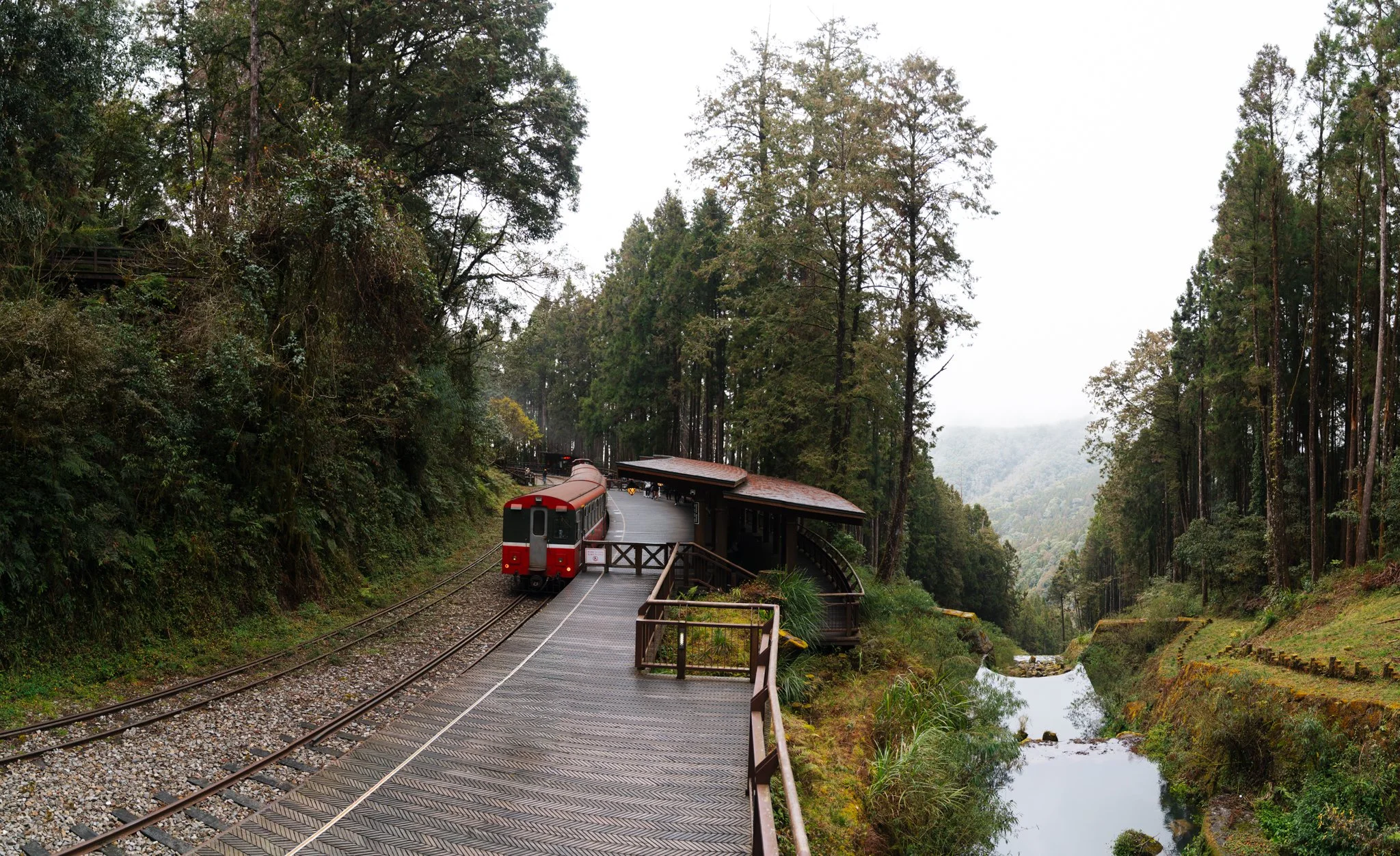
This is the workflow that actually changed my business. Every long-form blog post I write — like my Taiwan travel guide or my Namibia road trip itinerary — has 8 to 10 sub-topics buried inside it that each deserve their own SEO-optimized post. "Where to stay in Doha." "Photography guide to Alishan." "Aquila Safari review." Every spin-off captures a different long-tail keyword and links back to the parent post.
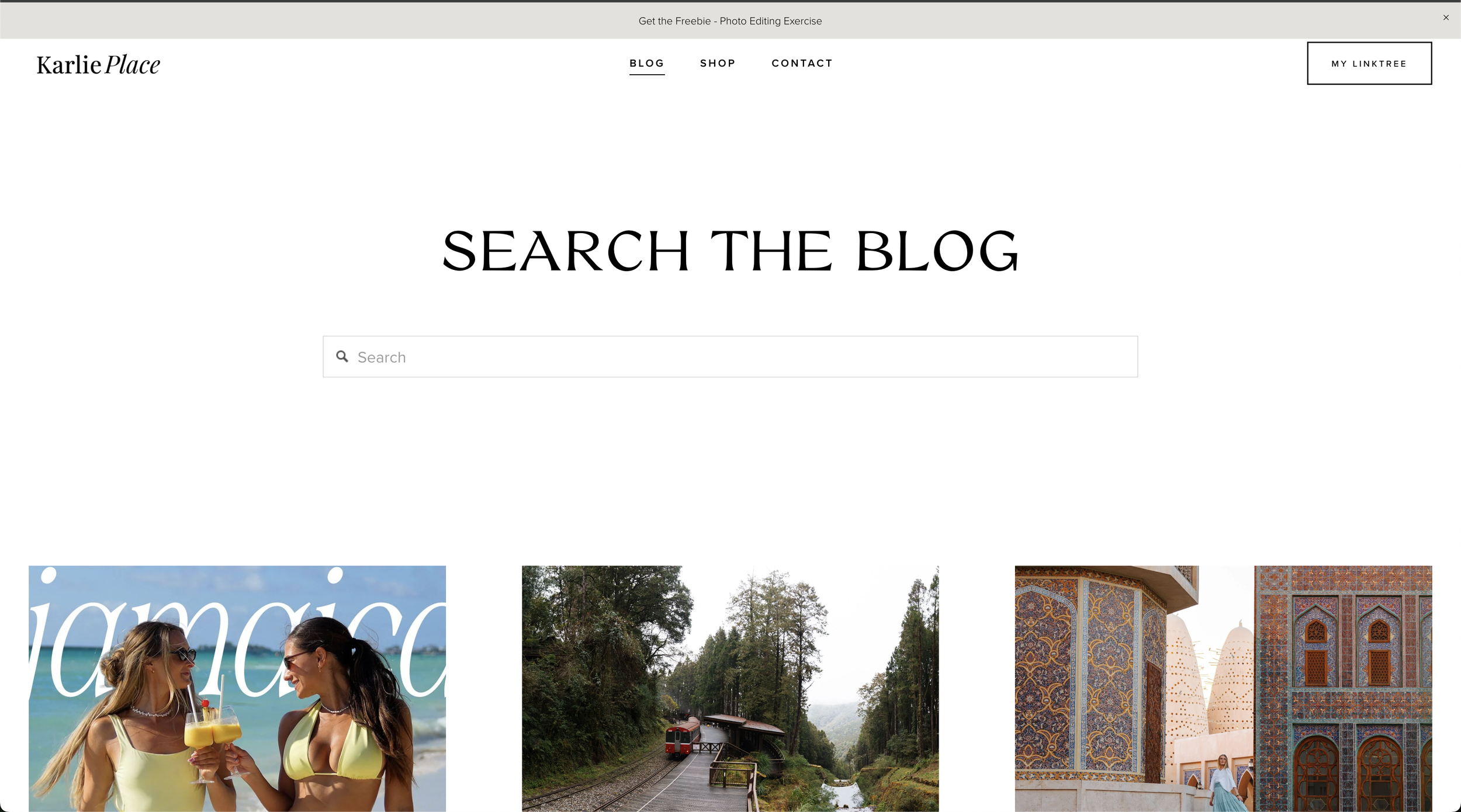
The old way: I'd batch-write spin-offs for two days straight, hate every word by post #3, and quit. The new way: I have a Claude scheduled task that runs every Monday, Wednesday, and Friday at 6 AM. It reads my Notion content calendar, picks the next pending spin-off, fetches the source post, validates my photos and gear from ShopMy, writes the draft, and either publishes it or hands me a clean draft to review. I'm writing this post on a Monday morning, and another spin-off is being drafted in a tab next to me as I type.
Workflow #2 — Notion calendar management on autopilot
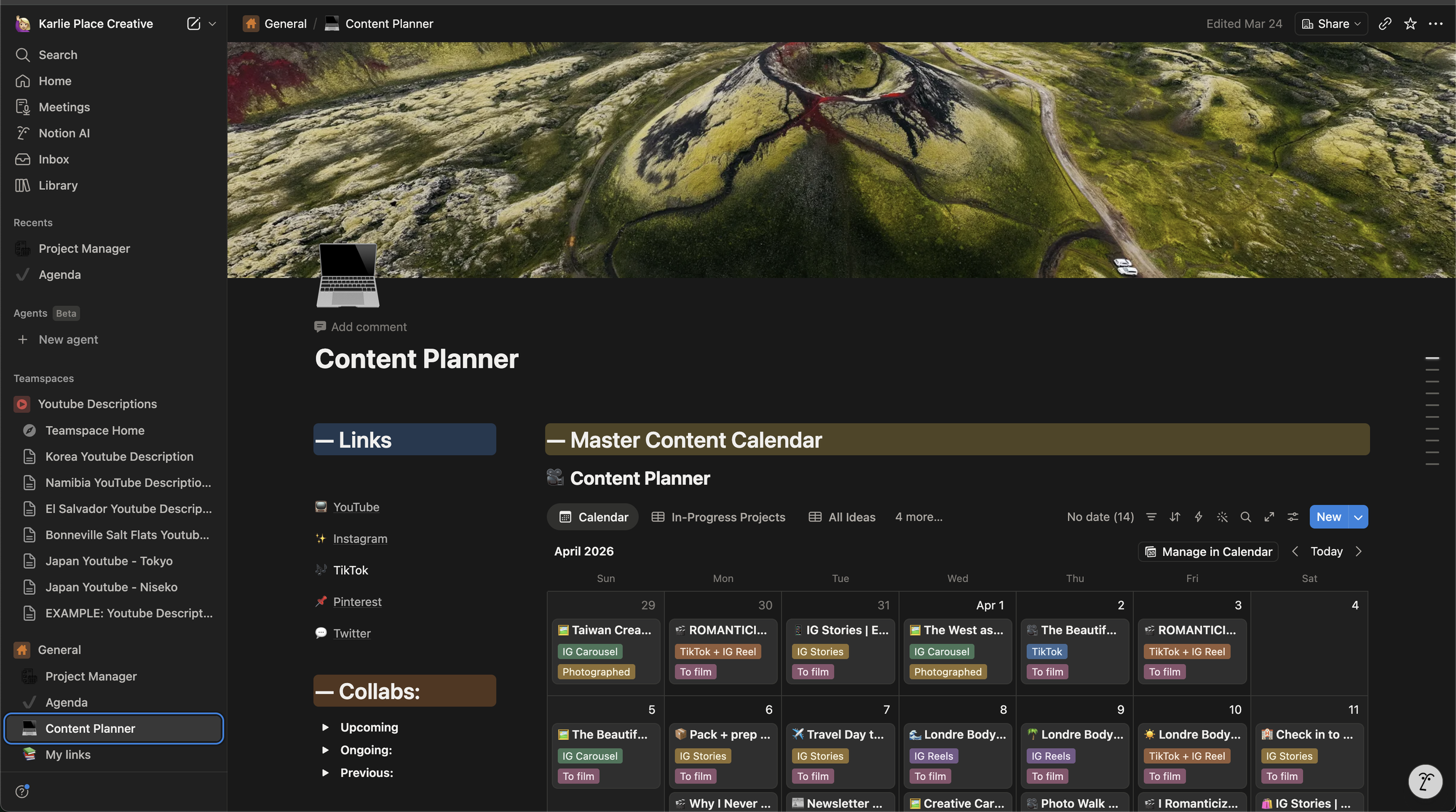
I run my entire business out of Notion before AI, the calendar was the place posts went to die. I'd dream up 20 ideas in a planning session, add them, and never look at them again. Now I have Claude do the maintenance pass — once a week it reads the calendar, flags anything that's gone stale, suggests new spin-off angles based on posts I've published recently, and updates statuses (🔲 → ✅) when posts go live. The win isn't speed. It's that I trust the calendar again.
One thing I want to be clear about: Claude isn't deciding what to write about. I still pick the angles, the SEO targets, the photography hooks. Claude is just the assistant who keeps the system from rotting between planning sessions.
Workflow #3 — Brand deal inbox triage
If you've ever been a creator with even a modest following, you know the inbox problem. I get 30 to 60 brand pitches a week. Maybe 4 are real, 2 are interesting, and 1 is worth replying to that day. The other 53 are templated outreach for products I'd never use, paid in "exposure," or asking for free work.
I built a Claude workflow that sweeps my inbox every morning, classifies each pitch as Reply now, Reply this week, Decline politely, or Ignore, and drafts replies for the first two categories. I read every draft before it sends — that part is non-negotiable — but what used to be a two-hour Sunday-night ritual is now a 15-minute Monday-morning review. The classification rules are based on my actual sponsorship criteria: rate floor, exclusivity windows, niche fit, audience overlap.
Workflow #4 — Voice-to-blog with Wispr Flow
This is the workflow that surprised me the most. The best version of any travel piece I write lives in my voice memos. The way I describe a sunrise in my head while I'm hiking down from Sossusvlei is always more honest, more textured, more me than the version I'd type two weeks later in front of a laptop.

So I started capturing everything as voice. Wispr Flow handles real-time dictation when I want to "type" by talking — emails, captions, blog notes — and it's the fastest way I've found to get a rough draft out of my head and onto a page. I then drop that rough draft into Claude with one prompt and get back a structured blog skeleton that still sounds like me. I rewrite about 40% of it by hand — that's where the soul lives — but the skeleton is already there.
How AI Volume + Travel Payouts Built My Affiliate Engine
Here's the part nobody talks about when they talk about AI and blogging: AI doesn't just save you time. It unlocks a compounding affiliate strategy that used to only work for big publishers.
My whole blog spin-off engine has a second job: every new spin-off post is one more entry point into my site for a long-tail travel keyword (like "where to stay in Doha" or "Aquila safari review"). Each of those posts includes booking links — hotels, tours, car rentals — that I run through a single affiliate network called Travel Payouts.
Travel Payouts is the one I'd recommend to any travel creator, because it's an umbrella network: you apply once, and you get access to affiliate programs for Booking.com, Hotellook, GetYourGuide, Viator, and a long list of other booking platforms most travelers are already using. Instead of applying to and managing ten programs, you manage one dashboard.
What that means for me in practice: every spin-off post the AI helps me publish becomes a long-lived asset that can earn for years. More posts → more Google impressions → more clicks on booking links → more actual bookings → more commission. Without the automation, I'd never have had the volume. Without Travel Payouts, I'd never have had the breadth of programs to link to.
If you're a travel blogger and you're not already on Travel Payouts, it's the single highest-leverage integration you can add this week. Sign up for Travel Payouts here, add your first booking link to your most-trafficked post, and let your back catalog start working for you.

How to Actually Build This Yourself
Real talk: the prompts I run aren't long because they don't have to be. My Cowork setup (skills, scheduled tasks, memory, connected Gmail and Notion) carries most of the context — which means my opening messages can be three sentences. If you don't have that setup yet, my short prompts won't work for you.
So below is the honest, two-tier version. For each thing I do, you'll get a Starter Prompt that works in any Claude window today, and a Cowork Upgrade that shows you what to set up to make that prompt shorter and the workflow automatic.
1. Turn a Wispr Flow voice dump into a blog post
Starter prompt — paste into Claude, no setup needed:
I'm pasting a rough voice-dictated draft. Turn it into a 1,500–2,000 word blog post. Voice rules: first person, conversational, short paragraphs, specific details over generalities, no "let's dive in," don't invent anything I didn't mention. Open with a moment, not a summary. End with a CTA to [SOURCE POST URL]. Draft: [PASTE]
Cowork upgrade: install the Brand Voice plugin and run it once on three or four of your published posts. After that, my actual prompt is just "turn this Wispr Flow dump into a blog post" — the voice rules load from the skill automatically.
2. Triage your brand-deal inbox
Starter prompt — needs Gmail connected:
Search my Gmail for the last 7 days for partnership, collab, pitch, or sponsorship emails. For each, classify as REPLY NOW / REPLY THIS WEEK / DECLINE / IGNORE using these criteria: rate floor $[X] for a Reel and $[X] for a blog; I work in [NICHES]; I don't in [NICHES]; no exclusivity over 30 days. Draft replies for REPLY NOW and REPLY THIS WEEK as Gmail drafts — don't send. Summarize what you found.
Cowork upgrade: save your rate floor, niches, and decline rules into your Cowork memory file. The prompt drops to "triage this week's brand pitches." Same result.
3. Spin one blog post into 3 spin-off briefs
Starter prompt:
Read this post: [URL]. Identify 3 sub-topics that each deserve their own SEO-targeted spin-off. For each, give me: title with primary keyword, primary + 2 secondary keywords, 6–8 H2 outline, which images from the original to reuse, one affiliate angle, and a 150-character meta description. Don't write the posts yet — just briefs so I can pick.
Cowork upgrade: turn it into a scheduled task. Mine runs Mon/Wed/Fri at 6 AM, opens my Notion content calendar, picks the next eligible post, drafts the full spin-off, and drops a paste-ready file in my outputs folder. I wake up, paste it into Squarespace, hit publish. That's the workflow that wrote three of the posts on this site.
4. Weekly Notion content-calendar maintenance
Starter prompt — needs Notion connected:
Open my Notion content calendar at [PAGE_ID]. (1) Anything pending older than 60 days, comment with ship/delete/rewrite. (2) For posts I published this week, flip pending → done with the live URL. (3) Suggest 2 new spin-off angles from the most recent post — title, target keyword, image source. Don't delete anything without asking me first.
Cowork upgrade: add the page ID to memory, install the Notion plugin so Claude can edit the page directly. Prompt becomes "run my weekly calendar maintenance."
The pattern, if you want to take one thing away: start with prompts that carry their own context. The first time you catch yourself pasting the same paragraph of setup three weeks in a row, move it into Cowork — into memory, a skill, or a scheduled task. The prompts shrink. The workflow stays.
That's the whole game.
What I Will Never Hand Off to AI
This is the section that took me the longest to write, because it matters most. The whole reason I built this workflow is so I could keep doing the parts of my job that only I can do. Here's what stays human, always.
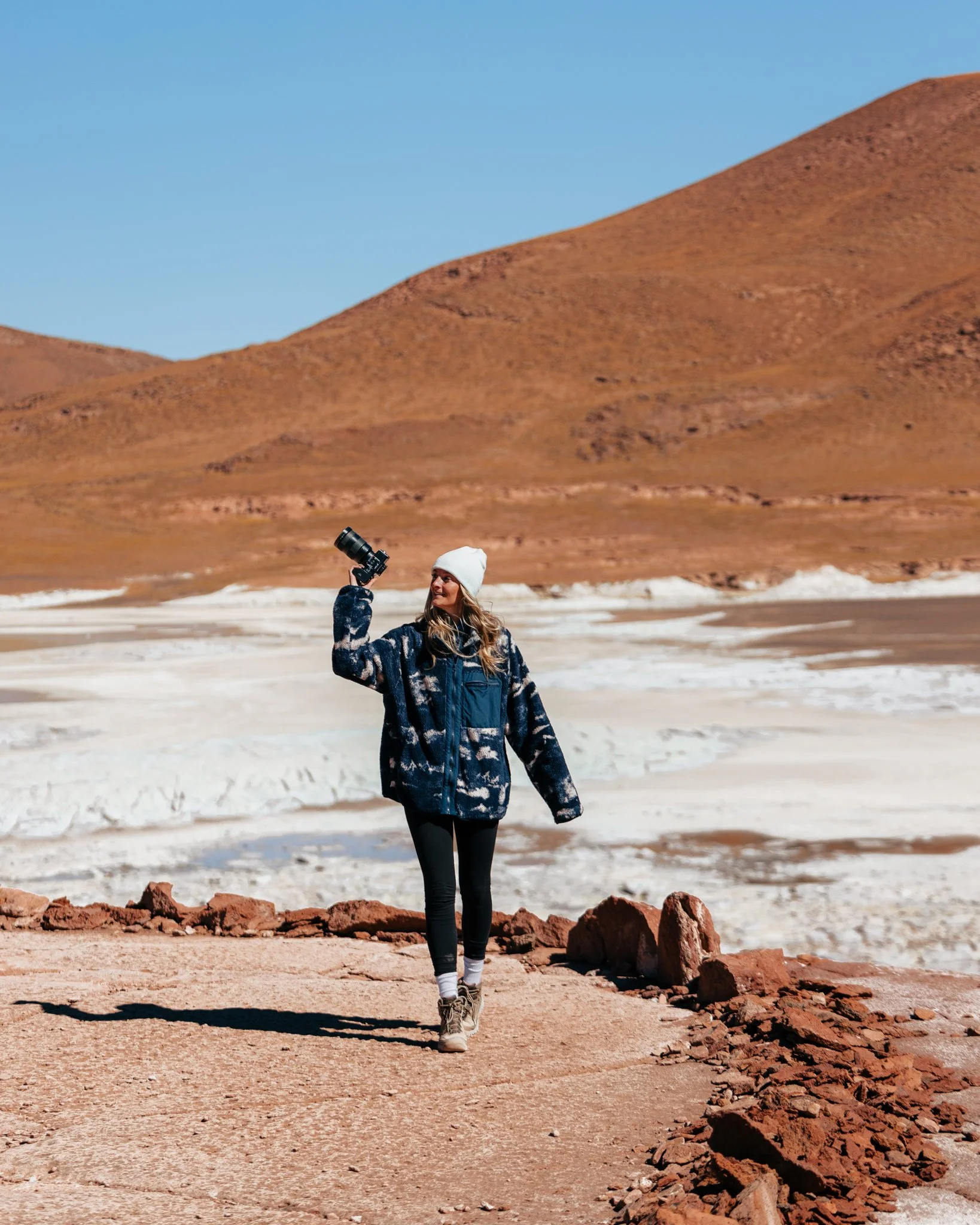
The first draft of any deeply personal story. The morning in Atacama when the altitude knocked me sideways. The way a stranger in Doha walked us through Souq Waqif at midnight. AI can polish those drafts. It cannot find them. They live in my brain and my voice memos, and they get dictated or typed by me every time.
Photography decisions. ND filters and lens choice. The decision to wait 40 more minutes for a cloud to move. Which photo from a 2,000-image gallery makes the cut. None of that is a prompt. It's taste built over a decade, and outsourcing it would mean my work stops looking like mine.
The actual conversation with a brand. When a brand emails me, I read the email. I write the reply. AI may draft a starting point, but I rewrite every line before it sends. Long-term partnerships are built on people, not auto-replies, and the second a brand realizes they're talking to a robot, the trust is gone.
Hard yeses and hard nos. Whether to take a trip. Whether to sign with an agency. Whether to publicly endorse a product. Whether to stop posting for a month because I'm burnt out. Those are mine.
If you take only one thing from this post, take that line: AI handles the logistics. I handle the soul. Build your stack around it.
The Gear and Tools I Actually Use
If you want to see the cameras, lenses, and accessories I take on every shoot — the stuff I won't replace and the stuff I learned to live without — my full kit is below. Same gear that shows up in every travel post on this blog.
How to Build Your Own AI Workflow Travel Blogger Setup (Without Losing Your Voice)
If you're a creator thinking "I want this but I don't know where to start," here's the order I'd build it in. Not theoretical — this is the order I actually built mine.
Write down your voice rules first. Spend an hour writing down the words you don't use, the phrases you hate, the structure of how you tell stories. Every prompt you ever write leans on this.
Pick the one workflow bleeding you the most time. For me it was inbox triage. Start there. Don't try to automate everything in week one.
Get Claude with Cowork mode (my referral → https://claude.ai/referral/0ZJe4DfnmQ?s=cowork&v=apps). This is the one tool that talks to my whole stack — Notion, Gmail, Calendar, Canva.
Add Wispr Flow for voice dictation (my referral → https://ref.wisprflow.ai/karlie-place) if you write a lot on the road. Three weeks in, you'll wonder how you typed before.
Put your blog on Squarespace (my affiliate → https://squarespace.syuh.net/YRNdgj). It's where mine lives. Hands-down the easiest platform to pair with AI automations because the REST API is clean and the design stays on-brand without a designer.
Get on Travel Payouts (my affiliate → https://www.travelpayouts.com/?marker=366930) and start dropping booking links into every post. This is the monetization layer that makes the volume worth it.
Review every output for the first month. AI will make mistakes that sound confident. Catch them before your readers do.
Building a newsletter? I'm growing mine on Beehiiv.
Beehiiv is where I'm building my email list — clean editor, a built-in recommendation network that pairs you with creators in your niche, and growth analytics that actually tell you what's working. If you're a creator thinking about starting a newsletter (or moving an existing one), it's the platform I'd recommend to anyone in our world.
Try Beehiiv →I publish more now than I did before. The posts are longer. The photography is better, because I have time to actually shoot. My inbox is clean for the first time in three years without a Management Team. And every word you read on this blog is still mine. That's the whole pitch — AI didn't make me a better writer. It freed up the hours so I could become one. If you want to start with the same tool I started with, you can try Claude here, add Travel Payouts to monetize the volume, and come back to steal the prompts. I built them so you wouldn't have to.
More on the blog


















This post contains affiliate links. Signing up through my links supports this blog at no extra cost to you. Every tool mentioned is one I personally use in my own workflow.